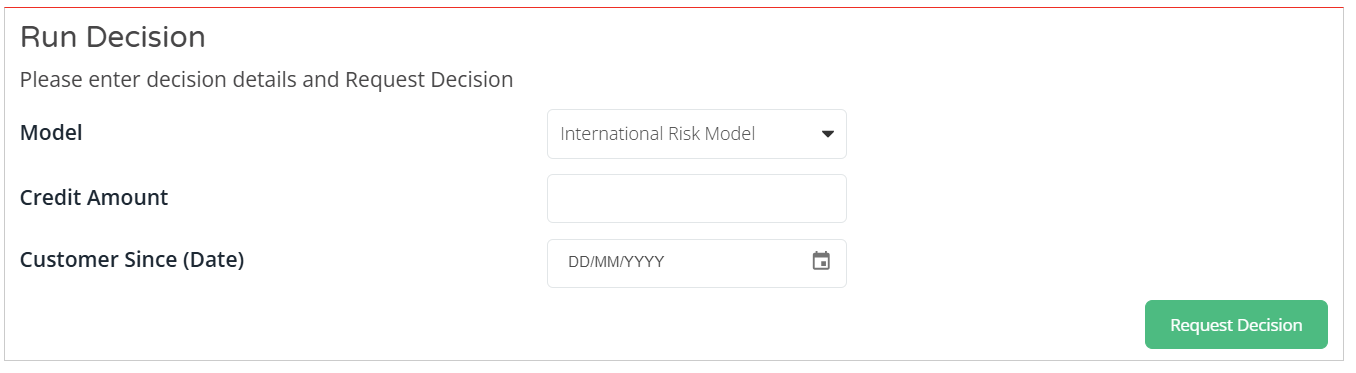
When you scroll down to the ‘Run Decision’ section, you will see a field named Decision Model. A decision model is an automated set of data checks that are performed to generate a decision. Decision models can be designed using our decision templates or they can be a bespoke design and development. You can grant users access to one or more decision models. The dropdown menu will display a list of all the available decision models you have access to. If only one decision model is available, then this will be pre-populated. Once a decision model is selected, the decision input details will appear.

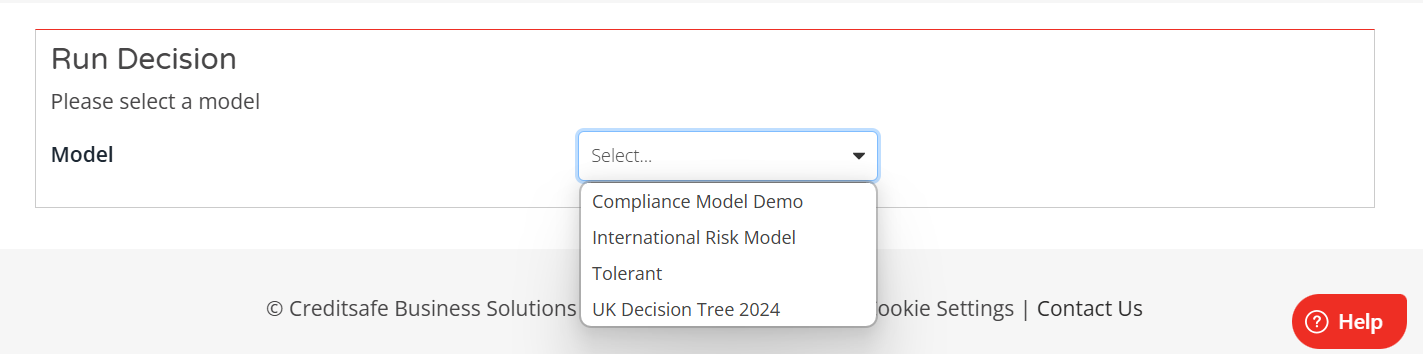
IMPORTANT: Both Custom and Template Models you have access to will appear in this dropdown menu.
After selecting a decision model, the prompt message will be updated to "Please enter decision details and Request Decision". The decision details input fields will be displayed, allowing users to enter the necessary information.
The "Request Decision" button will be available, which users can select to initiate the decision-making process
Enter the relevant information for the required input fields and select the "Request Decision" button.
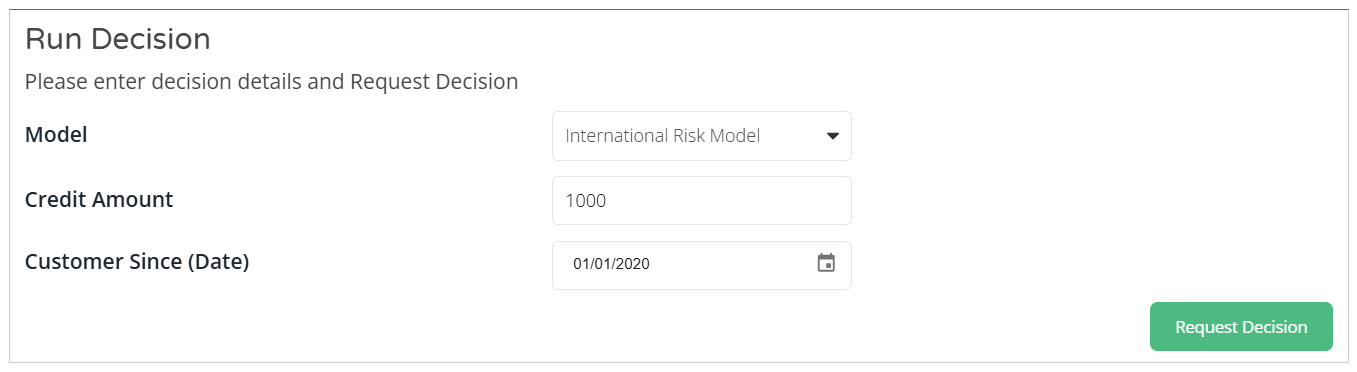
Sample OTS Decision Tree Input:
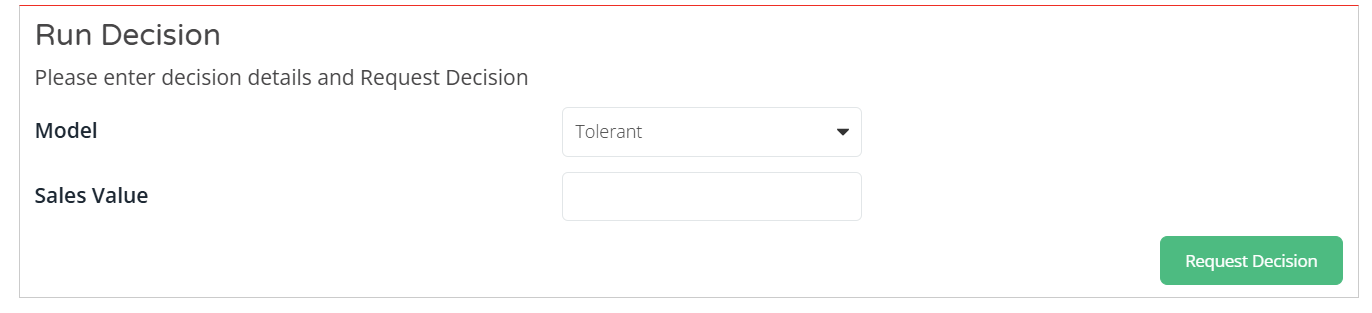
Sample Custom Decision Tree Input: