
Summary
Use the Alerts area in KYC Protect to see which profiles have open alerts and go directly to the records that need attention. You can then review the alert details in the relevant profile and work through the open items there.
Use the Alerts area in KYC Protect to see which profiles have open alerts and go directly to the records that need attention. You can then review the alert details in the relevant profile and work through the open items there.
Use the Alerts area for a central view
The Alerts area gives you a central list of profiles with open alerts so you can quickly see which records need attention. This helps you prioritize review work without opening each profile one by one.
Open the profile to review alert details
After identifying the profile you want to review, open that profile and go to its Open Alerts section. This lets you review the alert in context and decide whether any updates or actions are needed on the record.
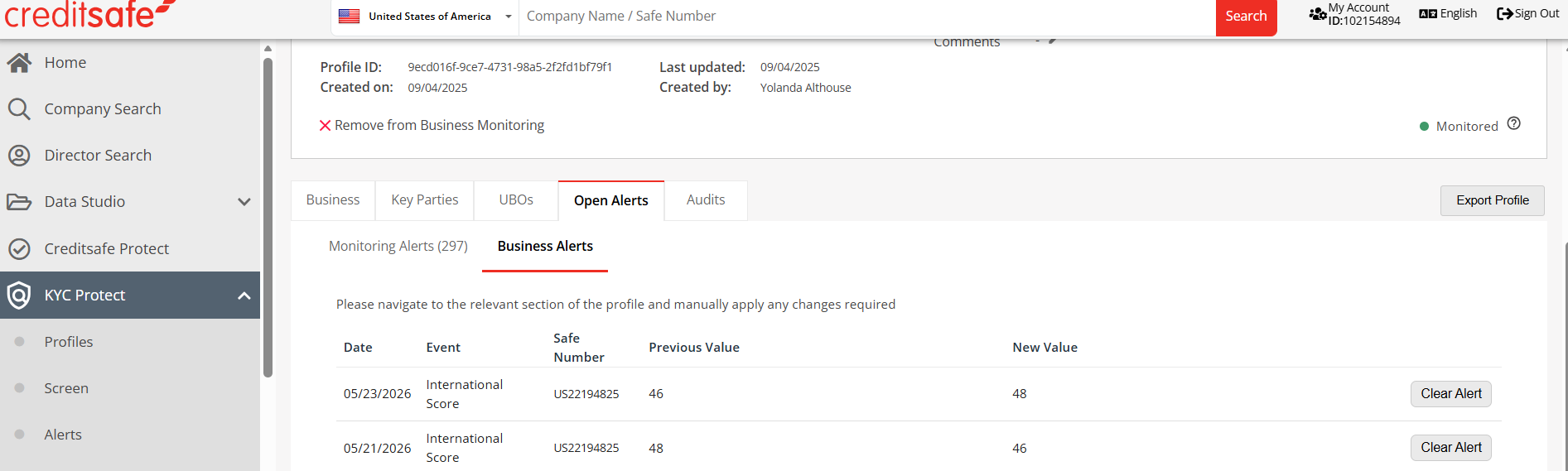
Clear alerts after your review
Once you have reviewed the alert and made any needed updates, clear the alert so only current open items remain visible. This helps keep your queue focused on new or unresolved issues.